تم إنشاء هذه المقالة الاختبارية باستخدام قالب الكتل Emptytheme في ووردبريس 6.1.1.
كتلة التنقل مع قائمة الصفحات:
شعار الموقع:
عنوان الموقع:
Staging WCAA
كتلة الشعار الفرعي:
شكل حلقة الاستعلام "عنوان وتاريخ":
-
القالب: مثبَّت
-
مرحباً بالعالم!
-
مقياس حجم الخط WP 6.1
-
إعدادات التباعد المسبقة WP 6.1
شكل حلقة الاستعلام "عنوان ومقتطف":
-
القالب: مثبَّت
هذه مقالة مثبَّتة. هناك بعض الأمور التي يجب التحقق منها: يجب أن تكون المقالة المثبَّتة قابلة للتمييز بوضوح مقارنةً بالمقالات العادية. يمكنك تنسيق فئة .sticky إذا كنت تستخدم دالة post_class() لتوليد فئات مقالاتك، وهي ممارسة موصى بها. يجب أن تظهر…
-
كتل فئة الوسائط WP 6.1
This test post was generated using the block theme Emptytheme in WordPress 6.1.1. Image block: Gallery: Audio: Cover: This is the Media & Text block with an image on the left. This is the Media & Text block with a cropped image on the left This is the Media & Text block with a video…
-
كتل فئة النص WP 6.1
This test post was generated using the block theme Emptytheme in WordPress 6.1.1. Paragraph H1 Heading H2 Heading H3 Heading H4 Heading H5 Heading H6 Heading Quote block citation classic block Preformatted block Pull quote Citation table cell table cell two table cell three table cell four Table caption header label one header label two…
-
الكتلة: صورة
Welcome to image alignment! If you recognize this post, it is because these are blocks that have been converted from the classic Markup: Image Alignment post. The best way to demonstrate the ebb and flow of the various image positioning options is to nestle them snuggly among an ocean of words. Grab a paddle and…
شكل حلقة الاستعلام "عنوان، تاريخ ومقتطف":
-
القالب: مثبَّت
هذه مقالة مثبَّتة. هناك بعض الأمور التي يجب التحقق منها: يجب أن تكون المقالة المثبَّتة قابلة للتمييز بوضوح مقارنةً بالمقالات العادية. يمكنك تنسيق فئة .sticky إذا كنت تستخدم دالة post_class() لتوليد فئات مقالاتك، وهي ممارسة موصى بها. يجب أن تظهر…
-
Block category: Formatting
The formatting category includes the following blocks: The classic block can have almost anything in it. a heading The custom HTML block lets you put HTML that isn’t configured like blocks in it. (this div has a width of 45%) The preformatted block.The Road Not TakenRobert Frost Two roads diverged in a yellow wood,And sorry…
-
Keyboard navigation
There are many different ways to use the web besides a mouse and a pair of eyes. Users navigate for example with a keyboard only or with their voice. All the functionality, including menus, links and forms should work using a keyboard only. This is essential for all assistive technology to work properly. The only…
-
Markup: HTML Tags and Formatting
Headings Header one Header two Header three Header four Header five Header six Blockquotes Single line blockquote: Stay hungry. Stay foolish. Multi line blockquote with a cite reference: The HTML <blockquote> Element (or HTML Block Quotation Element) indicates that the enclosed text is an extended quotation. Usually, this is rendered visually by indentation (see Notes…
شكل حلقة الاستعلام "صورة، تاريخ وعنوان":
-
القالب: مثبَّت
-
مرحباً بالعالم!
-
مقياس حجم الخط WP 6.1
-
إعدادات التباعد المسبقة WP 6.1
كتلة الصورة الرمزية:

كتلة عنوان المقالة:
فئة كتل القالب WP 6.1
مقتطف المقالة:
تم إنشاء هذه المقالة الاختبارية باستخدام قالب الكتل Emptytheme في ووردبريس 6.1.1. كتلة التنقل مع قائمة الصفحات: شعار الموقع: عنوان الموقع: كتلة الشعار الفرعي: شكل "عنوان وتاريخ": شكل "عنوان ومقتطف": شكل "عنوان، تاريخ ومقتطف": شكل "صورة، تاريخ وعنوان": كتلة الصورة الرمزية: كتلة عنوان المقالة:…
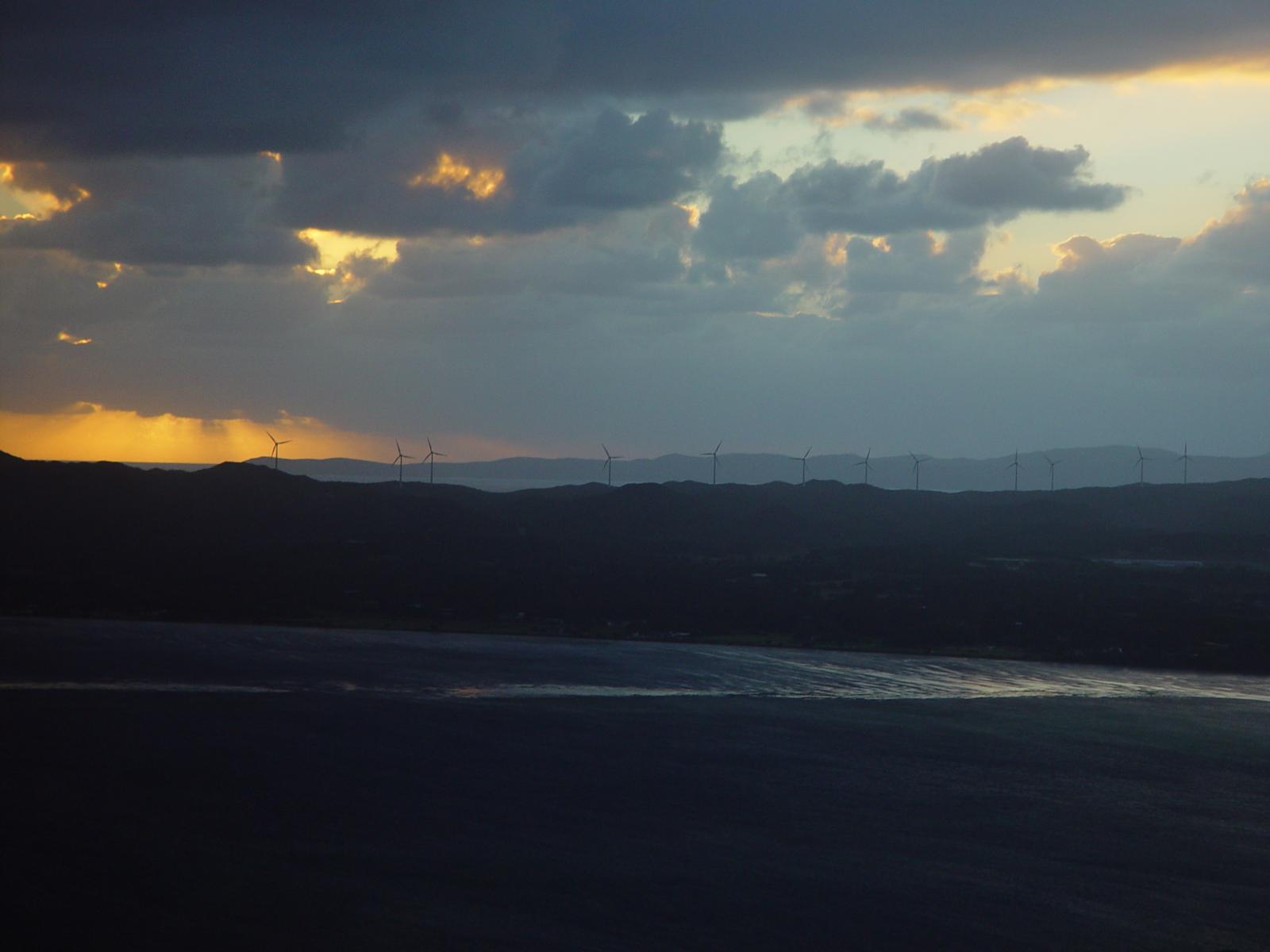
الصورة البارزة للمقالة:
كاتب المقالة:

تاريخ المقالة:
الفئات:
الوسوم:
المقالة التالية والمقالة السابقة:
اقرأ المزيد:
قراءة المزيد: WP 6.1 Theme block categoryكتلة التعليقات:
رد واحد على “WP 6.1 Theme block category”
-
تحتاج هذه المقالة الاختبارية إلى تعليق.

كتلة نموذج التعليقات:
اترك تعليقاً
تسجيل الدخول/الخروج:
كتلة السيرة الذاتية للكاتب:
لا يمكن عرض وصف المصطلح، أو عنوان الأرشيف، أو عنوان نتائج البحث في المقالات الفردية.

اترك تعليقاً